
Organize files, evidence, and repository lineage
Design a durable folder structure, upload and find source files, manage versions, and preserve evidence used by Finance and HR.
Who can do this
Organization admin or a member with Storage grants
Primary route
/storage
Last verified
4 August 2026
01
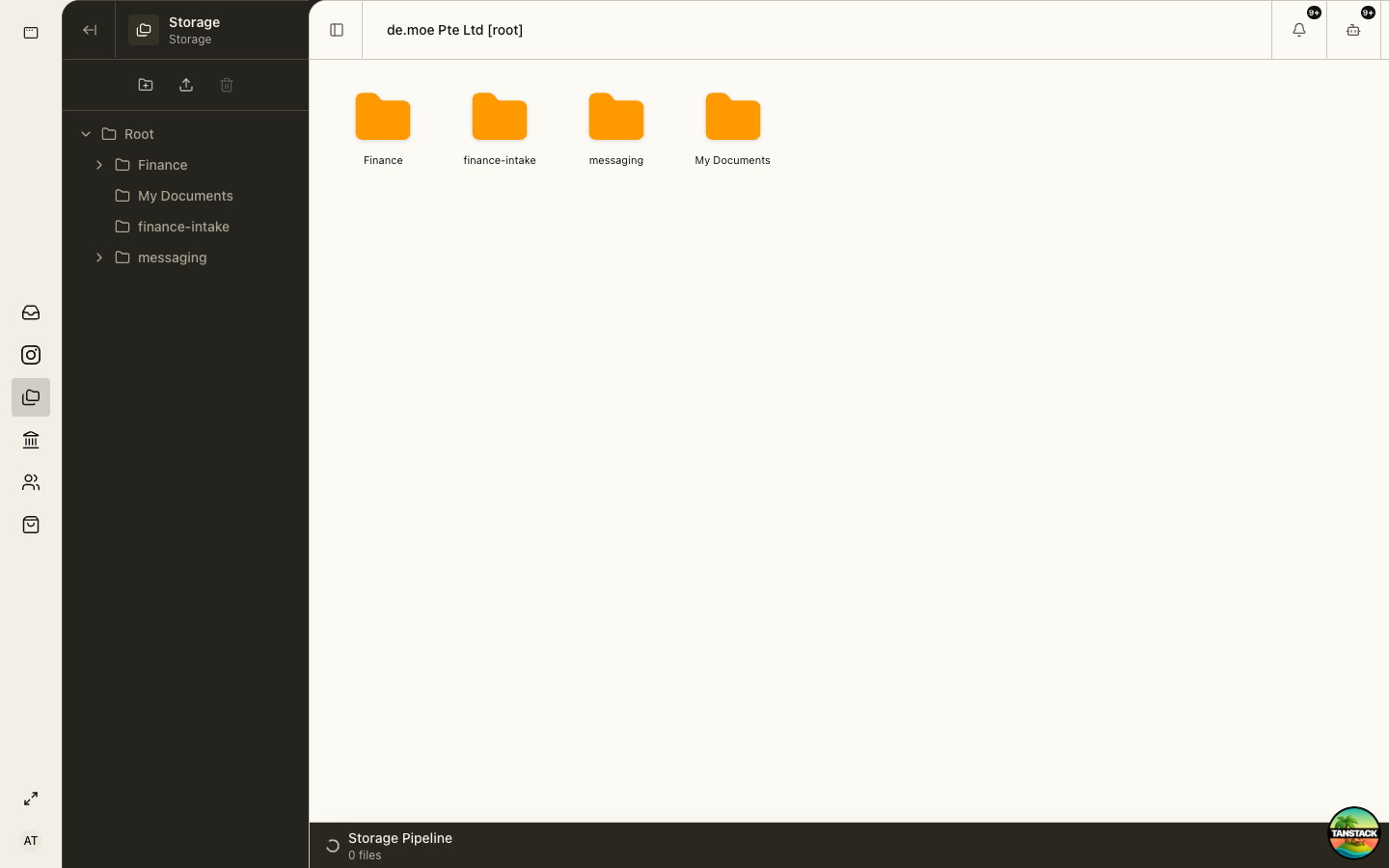
Choose a durable structure
Organize by business function and record lifecycle, not by the current employee’s name or desktop habits.
- Keep Finance, HR, legal, Store, Events, and shared operations separate.
- Use stable year or period folders where retention is time-based.
- Keep original evidence distinct from exports, working files, and signed finals.
- Do not create parallel folders for the same record unless the owning module requires it.
02
Upload and verify
Select the destination first, upload the original file, then verify name, type, size, and availability before leaving the page.
03
Find and reuse existing evidence
Search and inspect the existing folder before uploading again. Finance and HR workflows may already link to the authoritative copy.
04
Preserve version lineage
When a document changes, keep the original, identify the replacement, and record which version was approved, signed, filed, or sent.
05
Protect sensitive files
Restrict payroll, identity, bank, tax, medical, and government evidence to the smallest appropriate role.
Moving or renaming evidence can break human references even if the file remains stored. Confirm downstream use first.
Troubleshooting
- Upload is stuck: keep the original, verify connectivity and file size, then retry once.
- A file seems missing: clear filters, search by name, inspect the original folder, and confirm organization.
- Two versions compete: identify the signed or filed version from history before marking one authoritative.