
UsersCommunication12 min read
Handle a customer ticket in Channel
Claim a social conversation, inspect customer and order context, reply once, hand off cleanly, and resolve with a complete thread.
Who can do this
A member with Channel access
Primary route
/channel
Last verified
4 August 2026
01
Select and claim the ticket
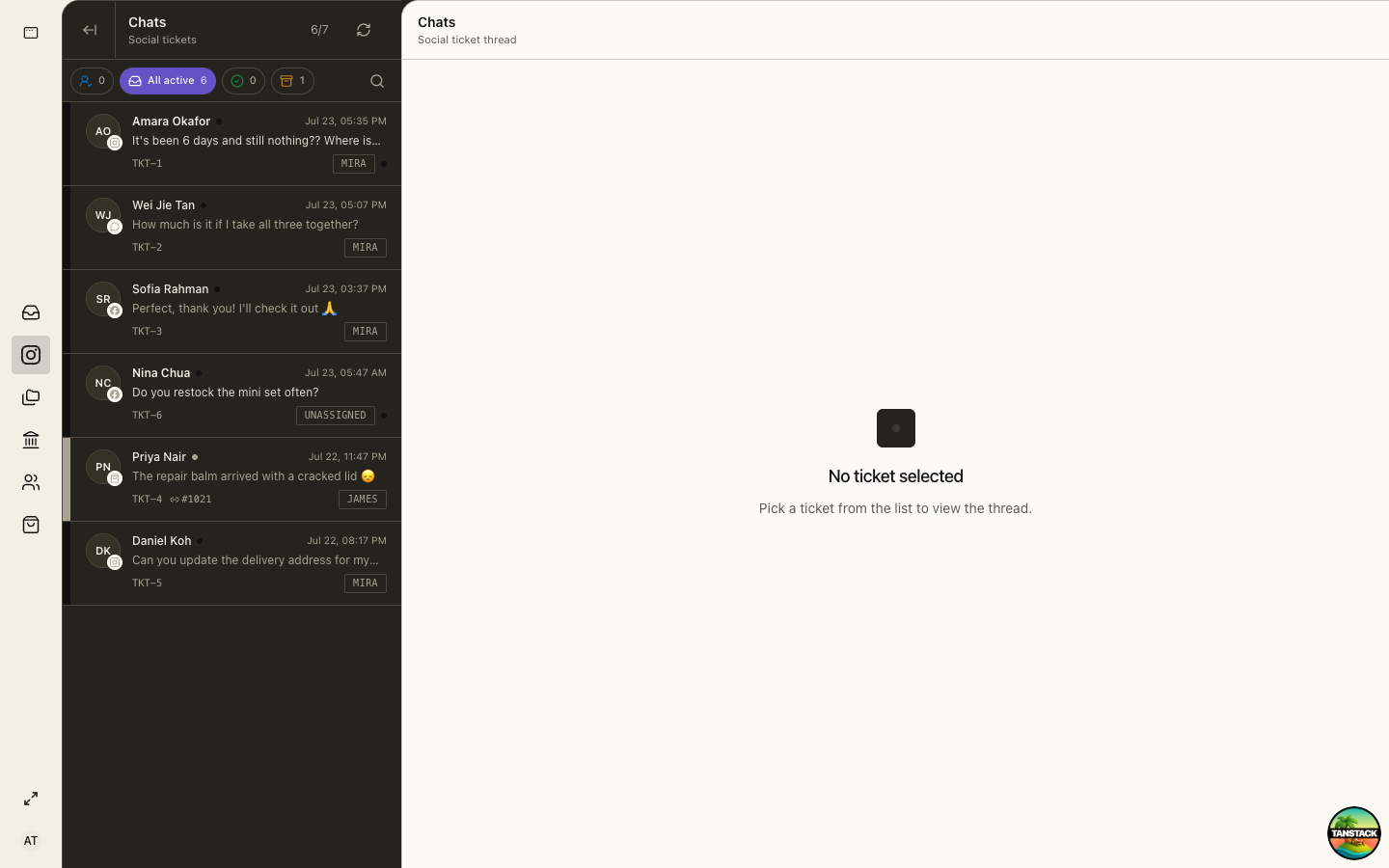
Use status filters and assignee labels to find active work. Claim or accept assignment before replying so two operators do not answer at once.
02
Verify context
Read the full thread and confirm customer identity, channel, order number, delivery or payment state, and prior commitments.
03
Reply once with an actionable answer
Use approved policy, avoid unsupported promises, and ask for only the minimum personal data necessary.
04
Resolve or hand off
Resolve when no team action remains. For a handoff, change owner and summarize request, actions, evidence, and next deadline.
Troubleshooting
- A customer replied after resolution: reopen or return the ticket to active work.
- The order reference does not match: stop and verify identity before disclosing information.
- Your reply is not visible: refresh the thread and check provider status before sending again.