
Operate event check-in and appointment queues
Prepare the live workspace, verify attendees or customers, record each transition once, and handle exceptions without duplicate records.
Who can do this
Event or Booking operator
Primary route
/events/management
Last verified
4 August 2026
01
Prepare the live operation
Confirm organization, event or date, device access, network, staff roles, fallback list, and escalation contact before opening.
02
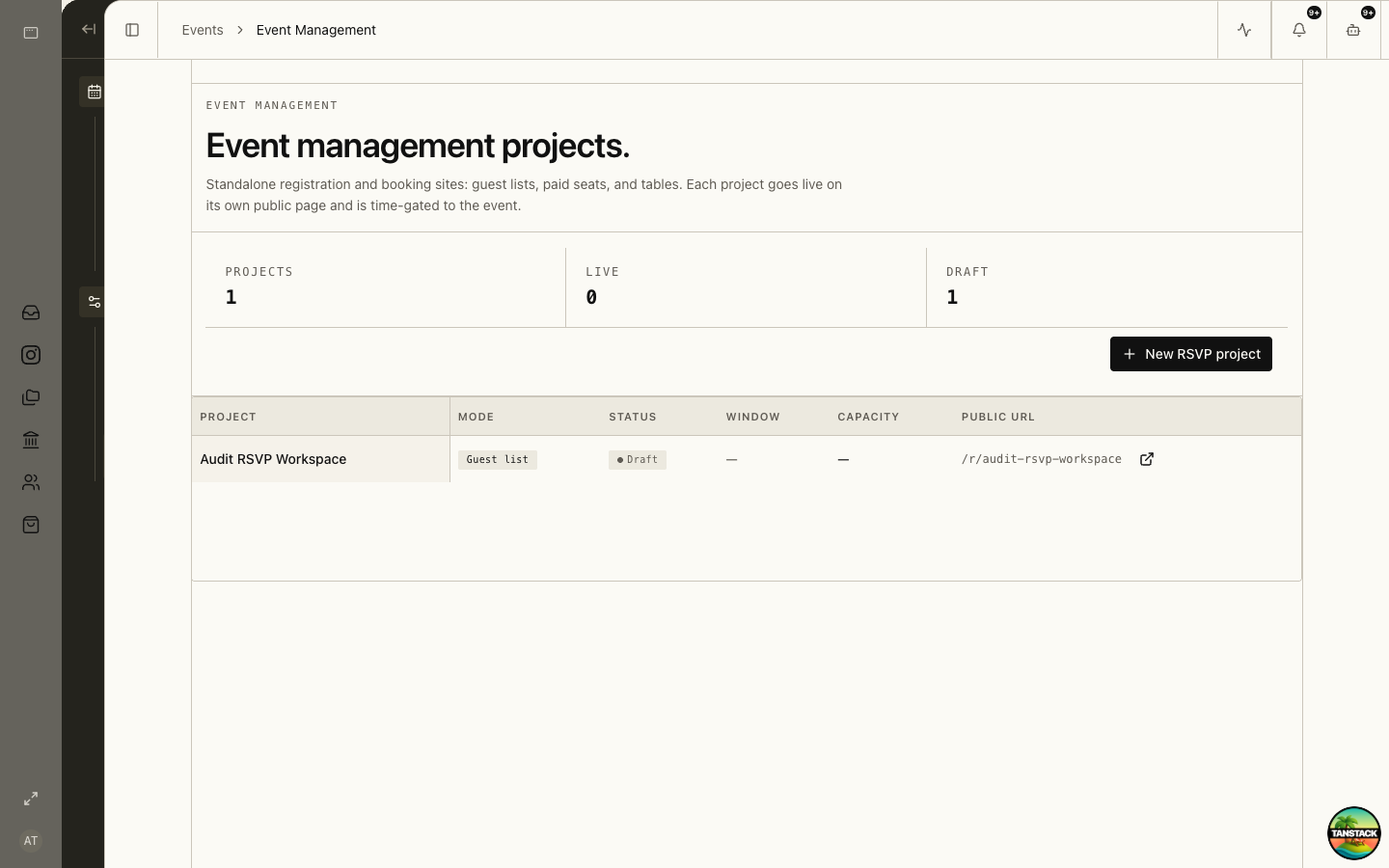
Check in an event attendee
Search or scan, verify the attendee and ticket state, record check-in once, and route exceptions to the event lead.
03
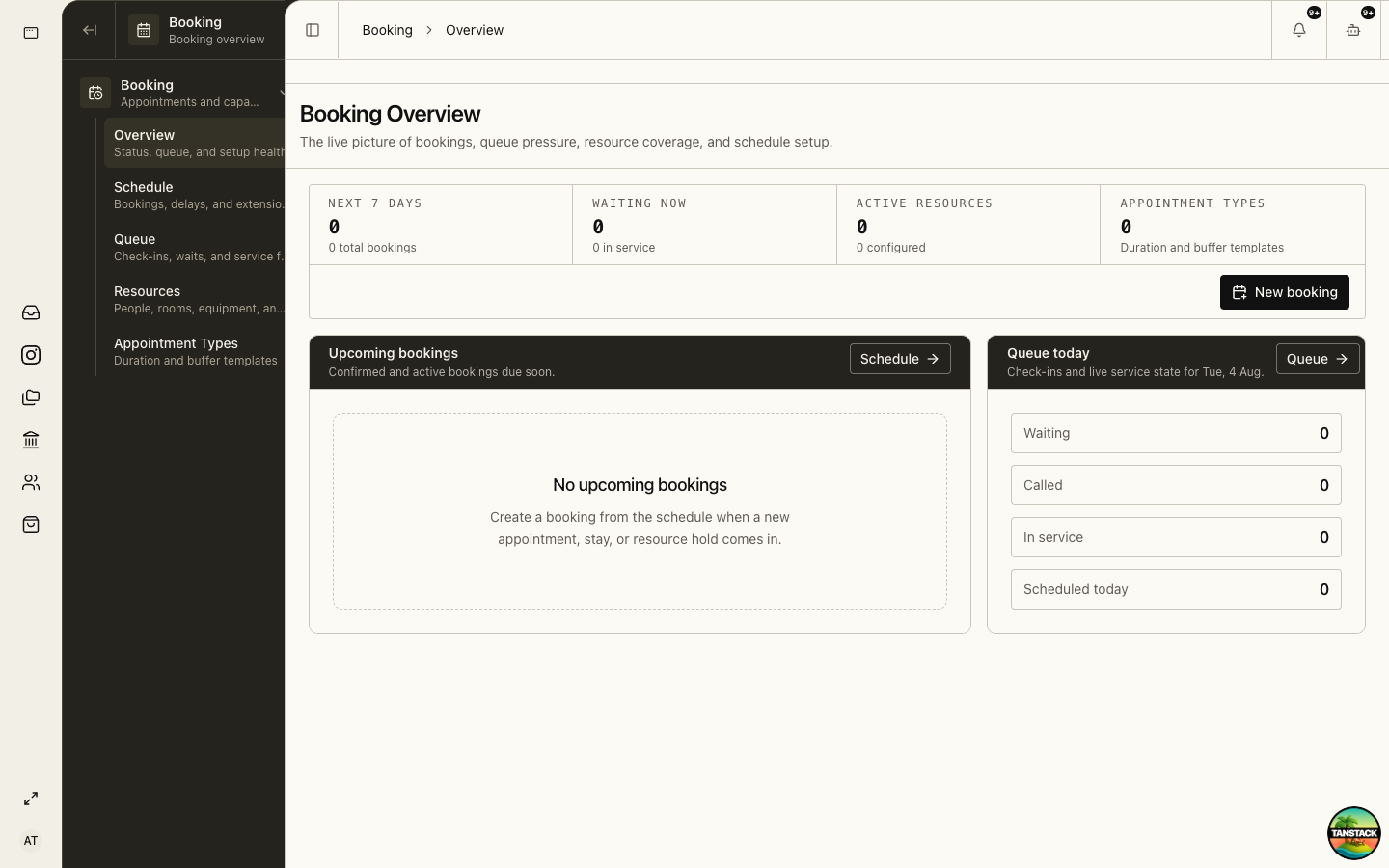
Move an appointment through the queue
Confirm the booking, check the customer in, call them, start service, and complete in order. Keep cancellation, no-show, and re-entry distinct.
04
Handle a mismatch
Search alternate identifiers and inspect history. Do not create another attendee or booking until the lead confirms the original is absent.
05
Close and hand over
Report unresolved payments, duplicates, incidents, no-shows, capacity issues, and offline changes before ending the shift.
Troubleshooting
- A pass already shows checked in: inspect timestamp and operator before admitting or overriding.
- A booking is at the wrong time: move it through Schedule with approval rather than editing the queue state.
- The network fails: follow the approved offline process and reconcile every offline action once service returns.